One of the beautiful things about 75 Soft is its flexibility. It doesn't demand you close insane activity rings or hit a VO2 max specific zone. However, your wearable can be a powerful accountability partner—if you program it correctly.
Whether you're Team Apple, Team Garmin, or Team Fitbit, here is how to set up your device to support your 75 Soft goals, track your "active recovery," and ensure you aren't overtraining.
Apple Watch Setup
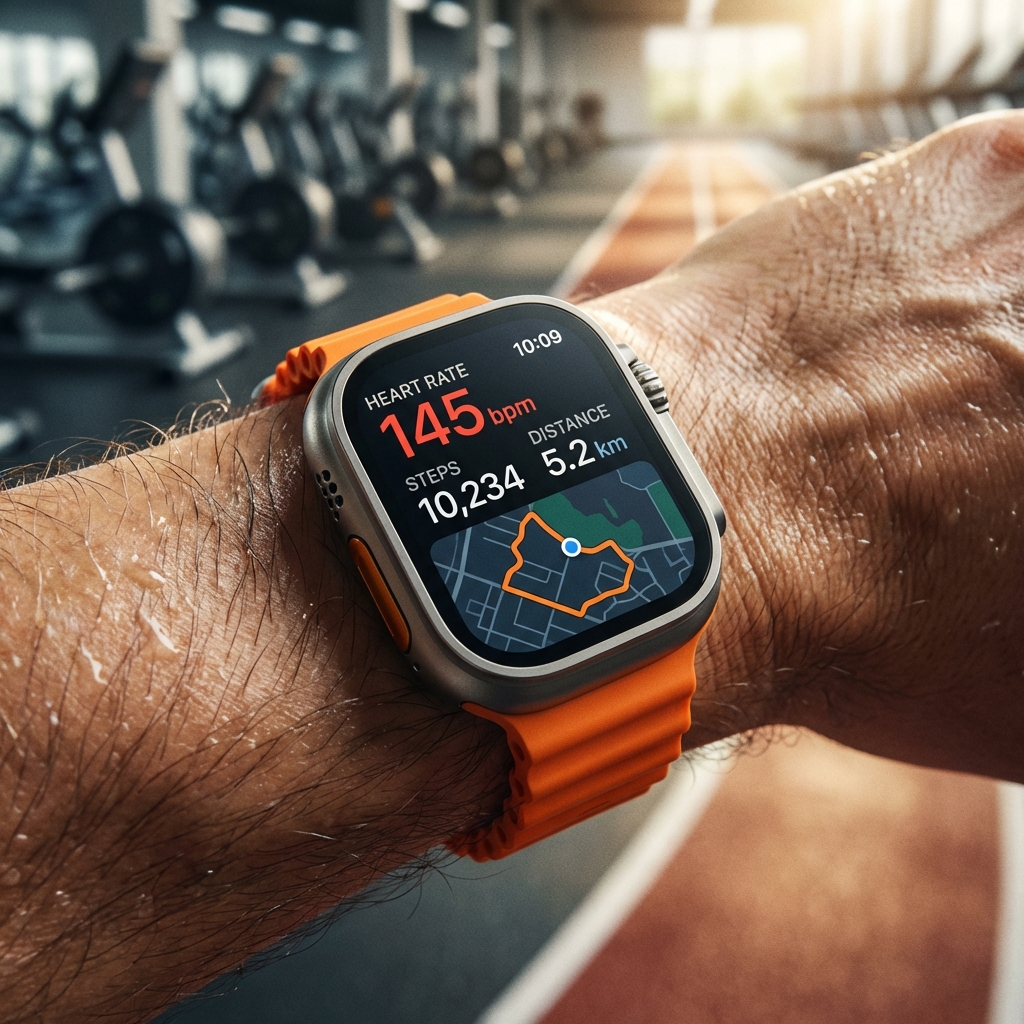
The Apple Watch "Rings" system is iconic, but the default goals might not align perfectly with 75 Soft.
Adjust Your Goals
- Move Ring (Red): Don't set this impossibly high. Set it to a calorie burn that requires your 45-minute workout plus normal daily movement.
- Exercise Ring (Green): Set this to 45 minutes (default is 30). This is the most crucial adjustment. Seeing that gentle "ring closed" animation after your 45-minute session is a great dopamine hit.
- Stand Ring (Blue): Less critical, but good for general health.
Best Watch Face
Create a dedicated "75 Soft" face. Use the "Modular" face to show:
- Center: Activity Rings
- Top Left: Water Llama or WaterMinder complication
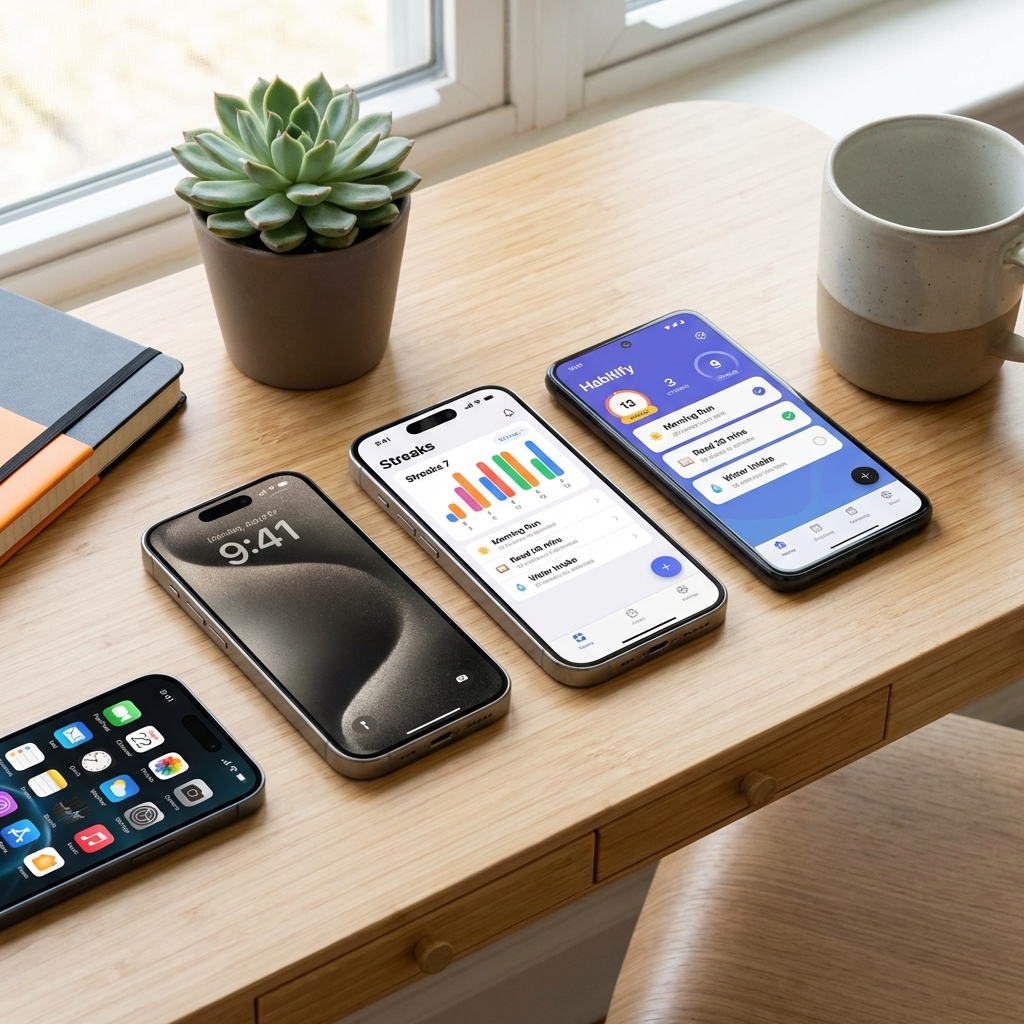
- Bottom Left: Streaks app icon
- Bottom Right: Workout app shortcut
Garmin for 75 Soft
Garmin users tend to be data-driven. The danger here is the "Body Battery" and "Training Status" features telling you that you're "Unproductive" during a much-needed active recovery week.
The "Unproductive" Trap
Ignore the "Unproductive" status if you are purposefully doing lighter active recovery days. Garmin optimizes for athletic peaking, while 75 Soft optimizes for consistency. They are different goals.
Why Garmin Wins for 75 Soft
The Body Battery feature is incredible for managing the mental/stress aspect. If your body battery is tanking, it's a sign your "75 Soft" might be turning into "75 Burnout." Use that data to switch your planned HIIT session to a restorative walk.
Fitbit Integration
Fitbit’s "Zone Minutes" are a great metric for 75 Soft because they reward effort rather than just steps.
A 45-minute walk might not burn huge calories, but if you keep a brisk pace, you earn those active zone minutes. It validates that your "soft" workout was still valid movement.
What to Track (and What to Ignore)
✅ TRACK:
- Workout Duration: 45 minutes is the rule. Accuracy here matters.
- Steps: A great proxy for general non-exercise activity (NEAT).
- Resting Heart Rate (RHR): As you stick to the challenge (especially no alcohol), watch your RHR drop. It’s the single best objective proof your health is improving.
❌ IGNORE:
- Calories Burned: It’s an estimate at best, and 75 Soft isn't a weight-loss starvation contest.
- Sleep Scores (If Obsessive): Tracking sleep is good, but if a "65" score makes you feel tired when you actually felt fine, hide the data.
Tracking Active Recovery
On your "active recovery" day (one day a week), you still need to move for 45 minutes. How do you log this without your watch screaming at you to run?
- Apple Watch: Use usage "Yoga," "Mind and Body," or "Walk" workout types.
- Garmin: Use "Breathwork" or "Yoga" profiles.
- Fitbit: Log it as "Walk" or "Pilates."
"Your wearable is a tool, not a judge. It measures what you did, not who you are. Use the data to adjust your course, not to shame your progress."