The App Store and Google Play are filled with 75 Soft trackers promising to make your challenge easier. But here's what the app developers won't tell you: many people finish 75 Soft successfully with nothing more than a sticky note on their bathroom mirror. The best tracking tool is the one you'll actually use—and sometimes that's not an app at all.
This guide will help you decide whether you need an app, which features actually matter, and how to choose the right one for your tracking style. We'll also be honest about when a simple printable outperforms any app with a 4.8-star rating.
Do You Actually Need an App?
Before downloading anything, ask yourself these questions:
You Might WANT an App If...
- You're always on your phone: Your device is the natural place for daily check-ins
- You love notifications: Reminders help you stay on track
- You want automatic tracking: Some apps sync with fitness wearables
- You're motivated by streaks: App gamification keeps you engaged
- You want social features: Connecting with others on the same challenge
You Might NOT Need an App If...
- You suffer from app fatigue: Another notification might be unwelcome
- You prefer tangible tracking: Paper feels more satisfying
- You want simplicity: Apps can overcomplicate four checkboxes
- You have privacy concerns: Some apps track more than just habits
- You're doing a digital detox: More screen time defeats the purpose
The most successful 75 Soft completers aren't using fancy apps—they're using whatever system helps them actually check in every single day, consistently, for 75 days straight.
What to Look for in a 75 Soft App
If you've decided an app is right for you, here's what actually matters:
Essential Features
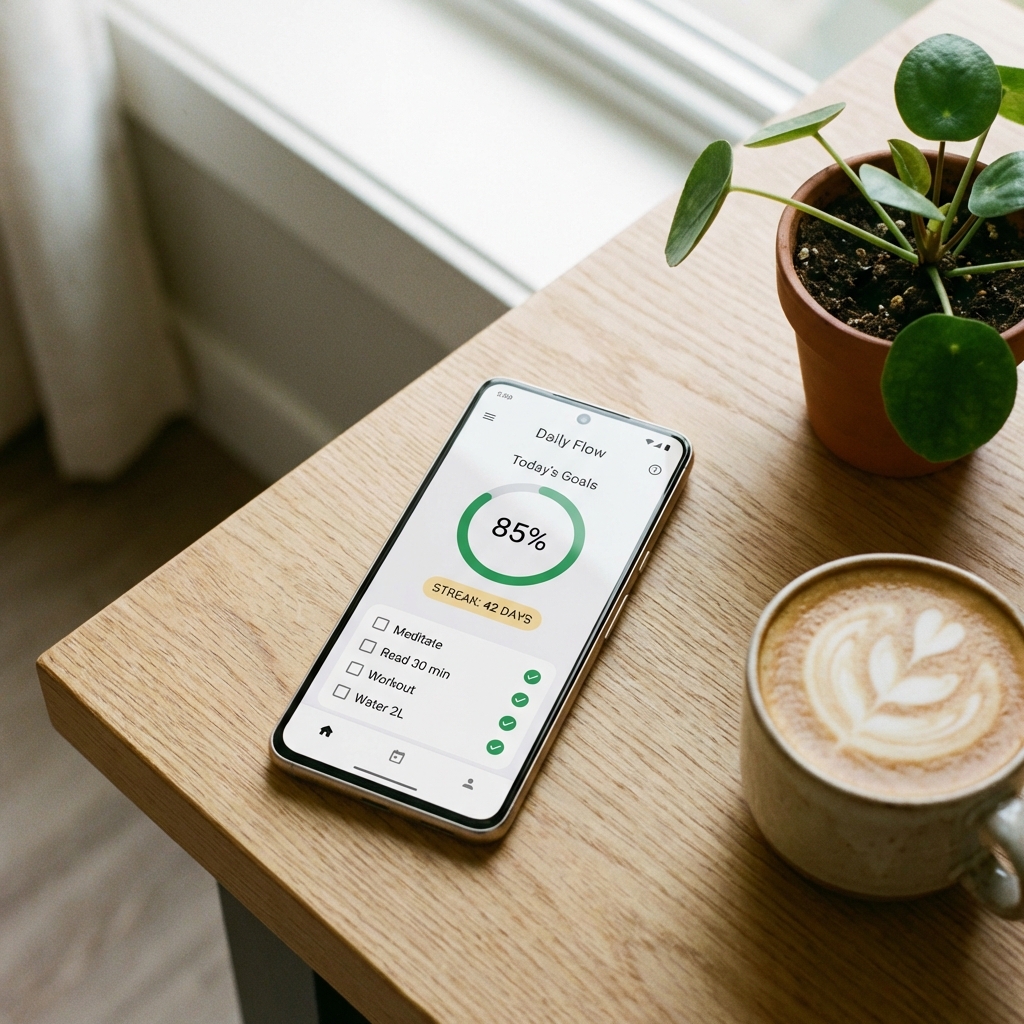
- Simple daily check-in: The core experience should take less than 30 seconds
- Four habit tracking: Pre-configured or customizable for the 75 Soft habits
- 75-day structure: Either built-in or easily configurable duration
- Progress visualization: Calendar view, streak count, or progress bar
- Reliable reminders: Daily notifications when you want them
Nice-to-Have Features
- Journaling/notes: Space for daily reflections
- Photo progress: Before/after or daily photos
- Widget support: Quick access from home screen
- Offline mode: Works without internet connection
- Data export: Download your tracking history
- Apple Watch/Wear OS: Track from your wrist
Red Flags to Avoid
- Aggressive upselling: Free version barely works, premium pushed constantly
- Excessive permissions: Why does a habit tracker need access to your contacts?
- No offline mode: Can't check in without internet
- Over-complicated UI: If you need a tutorial, it's too complex
- Ads everywhere: Distracting from the actual tracking experience
The 30-Second Rule
If it takes longer than 30 seconds to log your daily habits, the app is too complicated. Open, check four boxes, close. That's the ideal flow. Anything more creates friction that reduces consistency.
Top iOS Apps
Here are the best options for iPhone users:
75 Soft Challenge: 75 Days
Dedicated 75 Soft app
- Price: Free with optional premium
- Pros: Built specifically for 75 Soft; pre-configured habits; simple interface
- Cons: Less flexible if you want to customize; some features locked behind paywall
- Best for: People who want zero setup—just download and start
Streaks
Apple Design Award winner
- Price: $4.99 one-time purchase
- Pros: Beautiful design; Apple Watch app; Siri shortcuts; Health app integration
- Cons: Limited to 12 habits in basic version; no journaling
- Best for: Apple ecosystem users who appreciate polished design
Habit
Clean and simple tracker
- Price: Free with premium for $4.99/month
- Pros: Intuitive interface; streak tracking; flexible scheduling
- Cons: Free version is limited; recurring subscription model
- Best for: People who want something simple without paying upfront
Done
Powerful habit tracking
- Price: Free with premium for $3.99/month
- Pros: Clean design; detailed statistics; widget support
- Cons: Some essential features require premium
- Best for: Data-oriented people who want progress insights
Top Android Apps
Best options for Android users:
75 Soft Challenge Tracker
Dedicated 75 Soft app
- Price: Free with optional premium
- Pros: Purpose-built for 75 Soft; simple interface; community features
- Cons: Contains ads in free version; may have less polish than iOS equivalent
- Best for: Android users wanting a dedicated 75 Soft experience
Loop Habit Tracker
Open-source and powerful
- Price: Completely free, no ads, open-source
- Pros: No upselling; detailed analytics; beautiful charts; completely private
- Cons: Slightly steeper learning curve; no cloud sync
- Best for: Privacy-conscious users; people who hate subscriptions
Habitica
Gamified habit tracking
- Price: Free with optional premium
- Pros: RPG-style gamification; social features; fun and motivating
- Cons: Can be distracting; game elements might feel silly
- Best for: Gamers; people motivated by external rewards
Habit Tracker by HabitNow
Feature-rich and flexible
- Price: Free with premium for $6.99 lifetime
- Pros: Great statistics; widget support; reasonable one-time purchase
- Cons: UI can feel cluttered
- Best for: Android power users who want detailed features
General Habit Apps That Work Well
These apps aren't 75 Soft specific but work well when configured for the challenge:
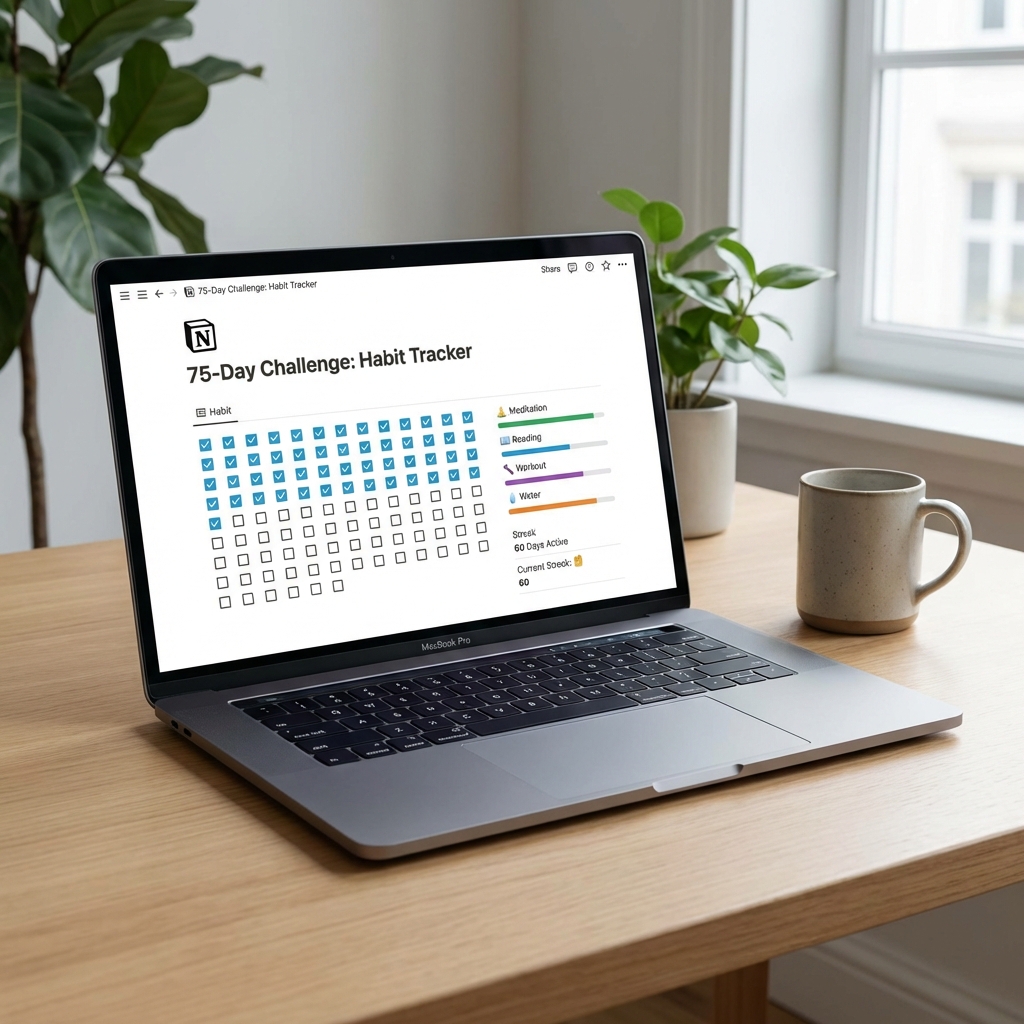
Notion
- Price: Free for personal use
- Pros: Ultimate flexibility; integrates with other life tracking; templates available
- Cons: Requires setup; can be overwhelming for new users
- Best for: Productivity enthusiasts already using Notion
Google Sheets / Excel
- Price: Free
- Pros: Total control; custom formulas; works on any device
- Cons: Requires manual setup; not as slick as dedicated apps
- Best for: Spreadsheet lovers; people who want chart visualizations
Apple/Google Calendar
- Price: Free
- Pros: Already on your phone; recurring events as reminders
- Cons: Not designed for habit tracking; no streak counting
- Best for: Minimalists who want zero additional apps
Quick Comparison Chart
| App | Platform | Price | 75 Soft Specific | Best Feature |
|---|---|---|---|---|
| 75 Soft Challenge | iOS/Android | Free/Premium | ✓ | Zero setup |
| Streaks | iOS | $4.99 | ✗ | Apple Watch |
| Loop Habit | Android | Free | ✗ | Privacy |
| Habitica | iOS/Android | Free/Premium | ✗ | Gamification |
| Notion | All | Free | ✗ | Flexibility |
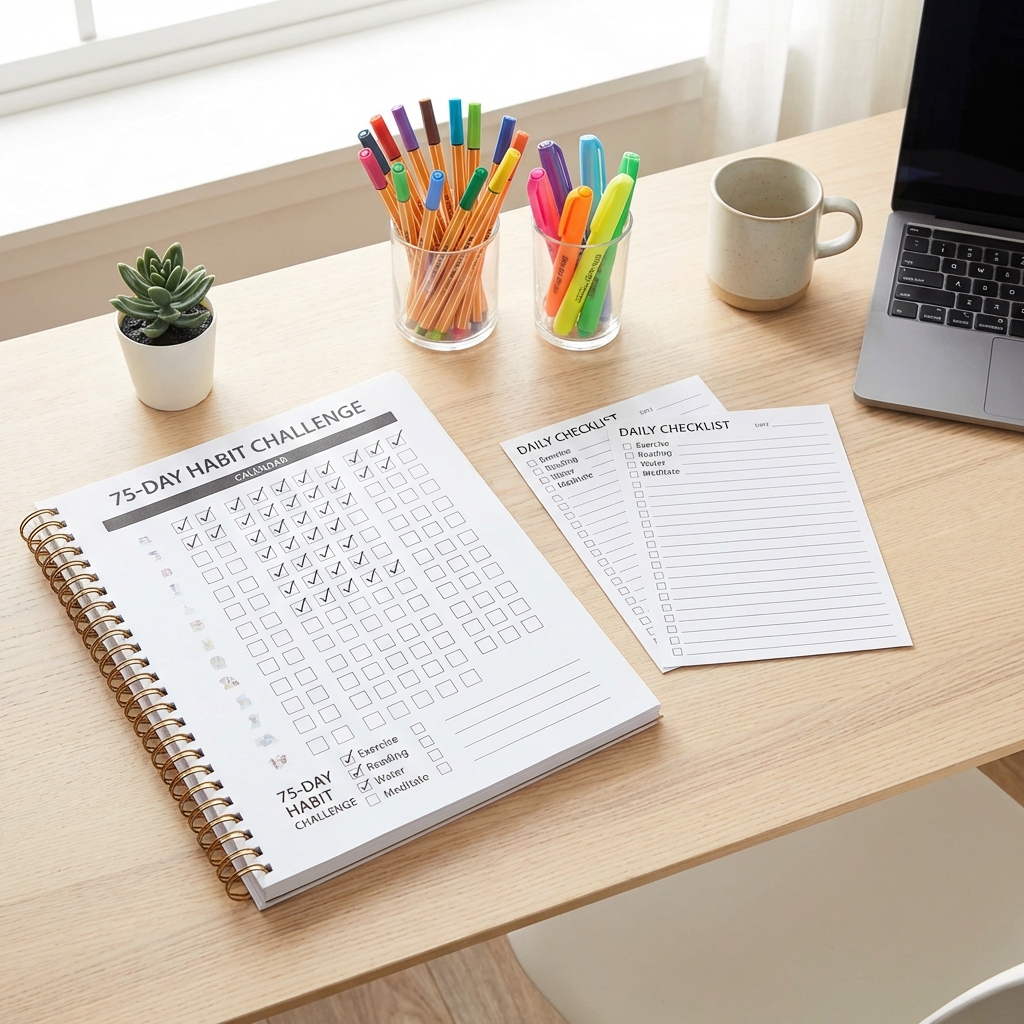
When a Simple Printable Beats Any App
Here's the uncomfortable truth: for many people, a $0 printable outperforms a polished app. Here's when analog beats digital:
Printables Win When...
- You're fighting phone addiction: 75 Soft is partly about building better habits—more screen time might not be it
- You find apps exhausting: Another notification, another login, another thing to manage
- You love the physical act: Checking a paper box is more satisfying than tapping glass
- You want visual reminders: A tracker on your fridge door works 24/7
- You're prone to forgetting apps: If it's not on your home screen, you won't use it
- You want a keepsake: A filled-out paper tracker is a physical artifact of accomplishment
Apps Win When...
- You need reminders: Notifications genuinely help you remember
- You're always mobile: Your phone is always with you; paper isn't
- You want data: Charts, streaks, and statistics motivate you
- You're sharing/accountable: Some apps have social features
- You track other habits too: One app for all tracking makes sense
The Hybrid Approach
Some people use both: an app for reminders and on-the-go tracking, plus a visible paper tracker at home for daily satisfaction. This combines the best of both worlds—digital convenience and analog presence.
Making Your Decision
Still not sure? Here's a simple decision framework:
Quick Decision Guide
- If you're already a habit app user: Just add 75 Soft habits to your existing app
- If you're new to habit tracking: Try the free 75 Soft specific app first—zero setup needed
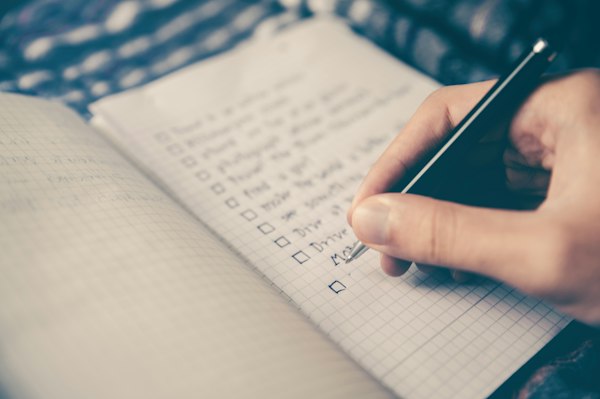
- If you hate apps: Print a tracker and stick it somewhere visible
- If you're a Notion/Sheets user: Add 75 Soft tracking to your existing system
- If you're overwhelmed: Start with paper. You can always add an app later.
The One-Week Test
Not sure if an app is right for you? Try this:
- Download a free app (or print a tracker)
- Use it for one week before starting 75 Soft
- Track four simple habits (like drinking water, walking, reading, stretching)
- Notice: Do you open it easily? Does it feel like a chore?
- If it works, use it. If it doesn't, try the alternative.
Remember: The Tool Doesn't Matter
The people who successfully complete 75 Soft aren't using better apps—they're showing up consistently. A sticky note with four checkboxes works just as well as a premium app with AI features if you actually use it every day.
The best tracking system is one that takes less than 30 seconds, fits your existing routine, and makes you want to check in. Everything else is just features.