You don't need fancy technology to complete 75 Soft. A simple notebook and good intentions can take you far. But the right tools can remove friction, automate tracking, and make the daily habits feel more seamless. Here's a curated guide to tech and products that actually help.
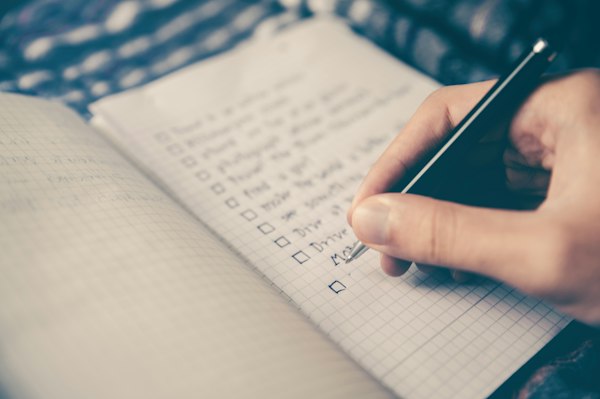
I started 75 Soft with just a paper checklist. By week two, I'd downloaded three apps. By the end, I'd found my sweet spot: one habit tracker, one water bottle with time markers, and my beloved Kindle. The lesson? Start simple, add only what solves a real problem.
Habit Tracking Apps
The heart of 75 Soft is four daily habits. A good tracking app makes these visible, provides accountability, and celebrates your streaks.
Streaks (iOS) — Our Top Pick
Beautiful design, simple interface, perfect for tracking exactly four habits. Apple Design Award winner. One-time purchase (~$5).
Habit (iOS/Android)
Clean and free, with streak tracking and customizable reminders. Premium features available but not necessary for 75 Soft.
Habitica (iOS/Android)
Gamified habit tracking that turns your habits into a role-playing game. Fun if you respond to game mechanics. Free with premium options.
Notion
If you're already in the Notion ecosystem, templates for 75 Soft tracking abound. More complex but highly customizable.
App Overwhelm
Pick one app and commit to it. The best tracker is the one you'll actually use consistently. Switching between systems creates friction and reduces adherence.
Water Tracking Solutions
3 liters of water daily is simple in concept but easy to forget. These tools help:
Time-Marked Water Bottles
Water bottles with hourly markers (like Hydrate Spark, BuildLife, or countless Amazon options) show exactly how much you should have consumed by a given time. Highly effective for visual learners.
Smart Water Bottles
Products like Hidrate Spark connect to your phone, track consumption automatically, and even glow to remind you to drink. Overkill for some, game-changing for others.
Water Tracking Apps
WaterMinder, Plant Nanny, and similar apps let you log each glass and remind you to drink. Plant Nanny gamifies it—your virtual plant grows when you hydrate.
Reading Apps & E-Readers
10 pages daily is easier when books are always with you. Digital reading solutions:
Kindle / Kindle App
The ecosystem is hard to beat. Kindle devices reduce eye strain; the app works on any phone or tablet. Syncs across devices so you can read anywhere.
Physical Books (Yes, Still Great)
Many 75 Soft participants prefer physical books for the tactile experience and reduced screen time. Local libraries offer free reading material.
Audible / Audiobooks
Most 75 Soft communities accept audiobooks as valid reading. Audible, Libby (free with library card), and Scribd are popular options. Listen during walks for double habit completion.
Goodreads
Track what you're reading, discover recommendations, and set reading goals. Not necessary for 75 Soft but fun for book lovers.
Fitness Technology
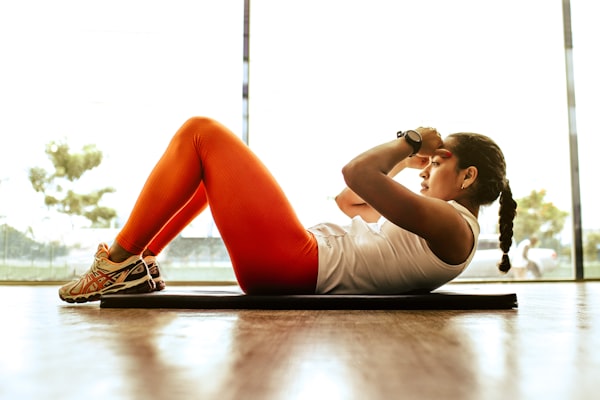
You don't need a fitness tracker to complete 75 Soft—your 45 minutes of movement counts whether or not a device measures it. But some people find technology motivating:
Apple Watch / Fitbit / Garmin
Track steps, heart rate, and workout duration. Useful if you want data about your movement. Not required—many complete 75 Soft without any wearable.
Basic Pedometer
If you're a walker, a simple step counter (or your phone's built-in pedometer) can track your daily movement without the expense of a smartwatch.
Workout Apps
- Nike Training Club — Free workouts for all levels
- Peloton App — Classes beyond cycling (subscription)
- YouTube — Free yoga, HIIT, walking workouts, everything
- Down Dog — Customizable yoga sessions
Technology should reduce friction, not add complexity. If an app or device creates more stress than it solves, you have permission to stop using it.
Meal Planning Tools
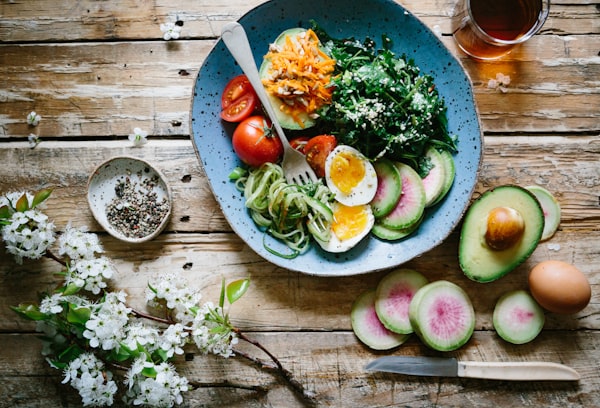
The 80/20 eating approach doesn't require complicated tracking, but some tools help with planning:
Mealime
Free meal planning app with healthy recipes and auto-generated grocery lists. Great for simplifying the "eat well" component.
Yummly
Recipe discovery based on your preferences, with meal planning features and shopping lists.
Simple Grocery Lists
Apps like AnyList or even Apple Reminders can keep your healthy shopping list organized. Sometimes simple is best.
On Calorie Tracking
75 Soft doesn't require calorie counting. Apps like MyFitnessPal can be useful for some but triggering for others—especially those with eating disorder history. Use with caution and only if it serves your wellbeing.
Recommended Gear
Beyond apps, some physical products make 75 Soft easier:
Water Bottle (Essential)
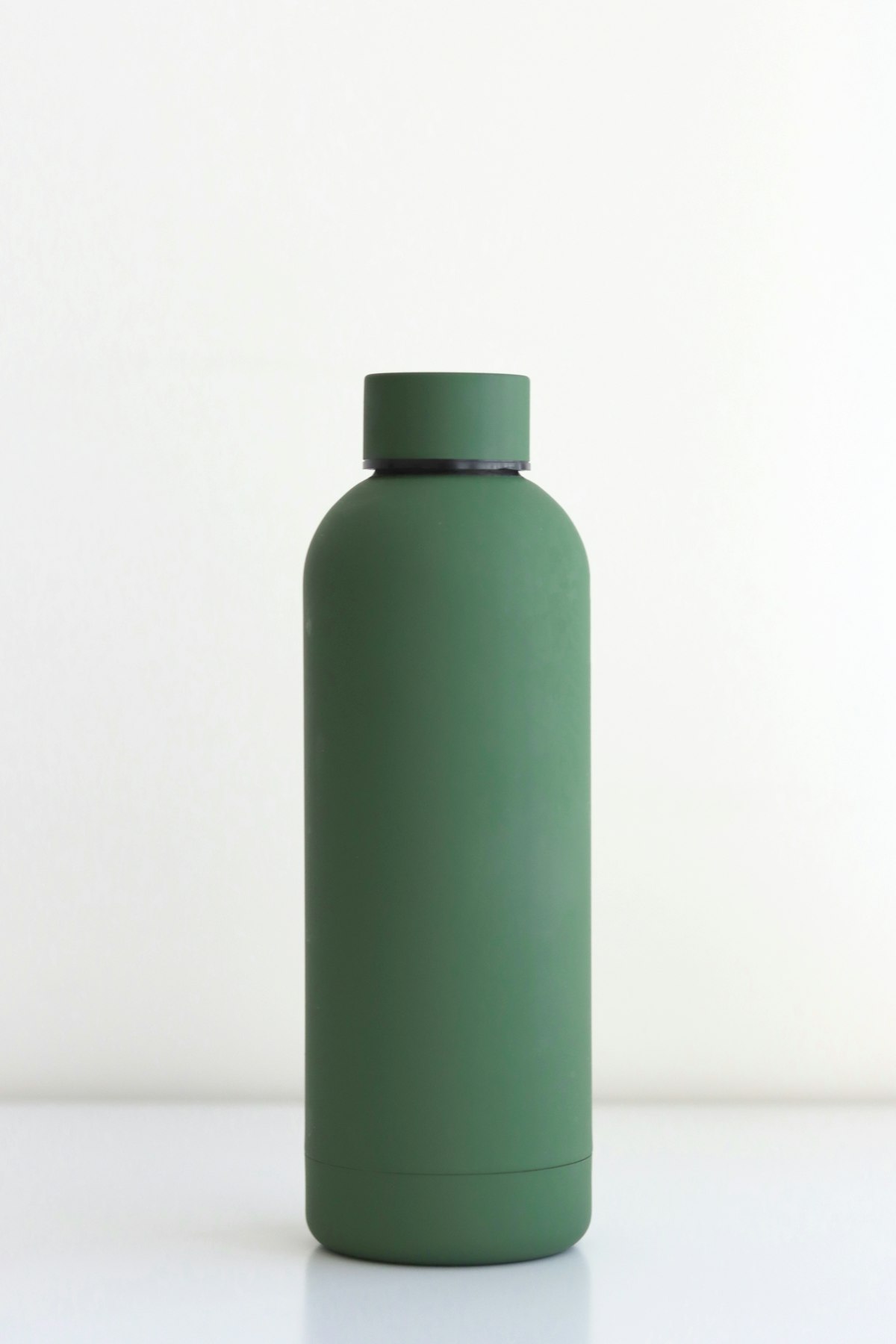
A large (1L+) water bottle you actually like using. Time markers are helpful but not required. Invest in something that motivates you to carry it everywhere.
Comfortable Workout Shoes
If you're walking daily, good footwear matters. Visit a running store for a proper fitting if budget allows.
Yoga Mat
For home stretching, yoga, or floor workouts. Even a basic mat improves comfort and signals to your brain that it's exercise time.
Reading Light / Bookstand
If you read physical books before bed, a good book light and comfortable reading setup make the habit more enjoyable.
Journal
While not officially part of 75 Soft, many add journaling. Any notebook works—fancy ones optional but nice.
Prefer paper-based tracking? Explore our printable trackers and analog options. Ready to start moving? Check out our workout ideas that work with any level of tech.
Deep Dive Guides
Best 75 Soft Apps (2026)
Detailed comparison of iOS and Android trackers, including free vs. paid options.
Wearables Guide
How to use Apple Watch, Garmin, or Fitbit without becoming obsessed with data.
Best Gear & Equipment
Water bottles, home gym essentials, and reading lights we recommend.
Data Experiment & Metrics
Using DEXA scans and blood work to quantify your biological changes.
Business of 75 Soft
How creators and coaches are building businesses around accountability.